Transfer a Patient
A patient may be transferred to an outside medical facility at any point in the continuum of care. This topic will cover what steps need to be completed in HST eChart to document a patient transfer.
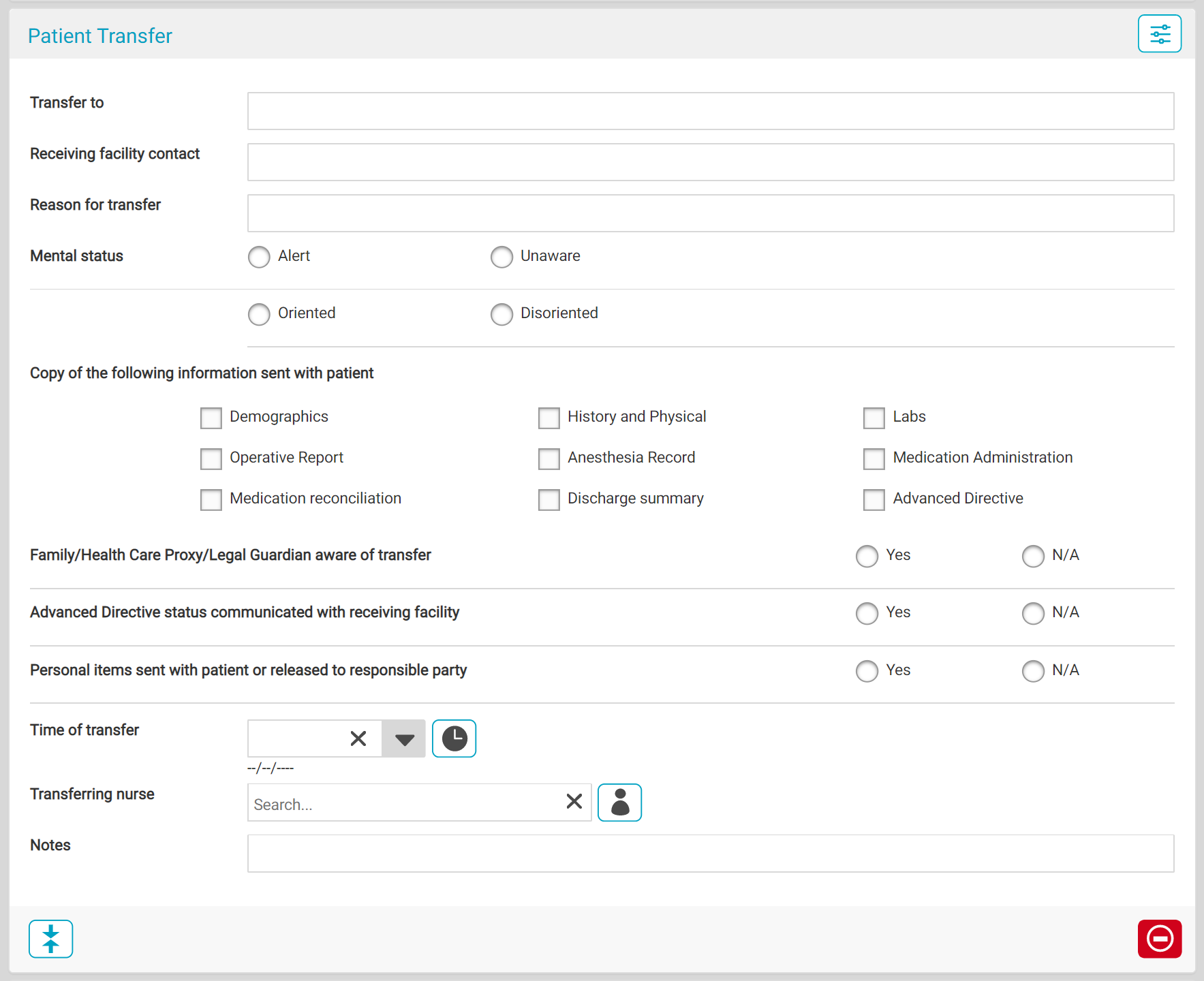
- In whichever Workflow the patient is being transferred from, add the Patient Transfer BLOC 114. The location it is added within the workflow does not matter.
- Complete the BLOC fields. All fields are required except the Notes text.
- If additional space is needed for Notes, add a Progress Notes BLOC to the workflow as well.
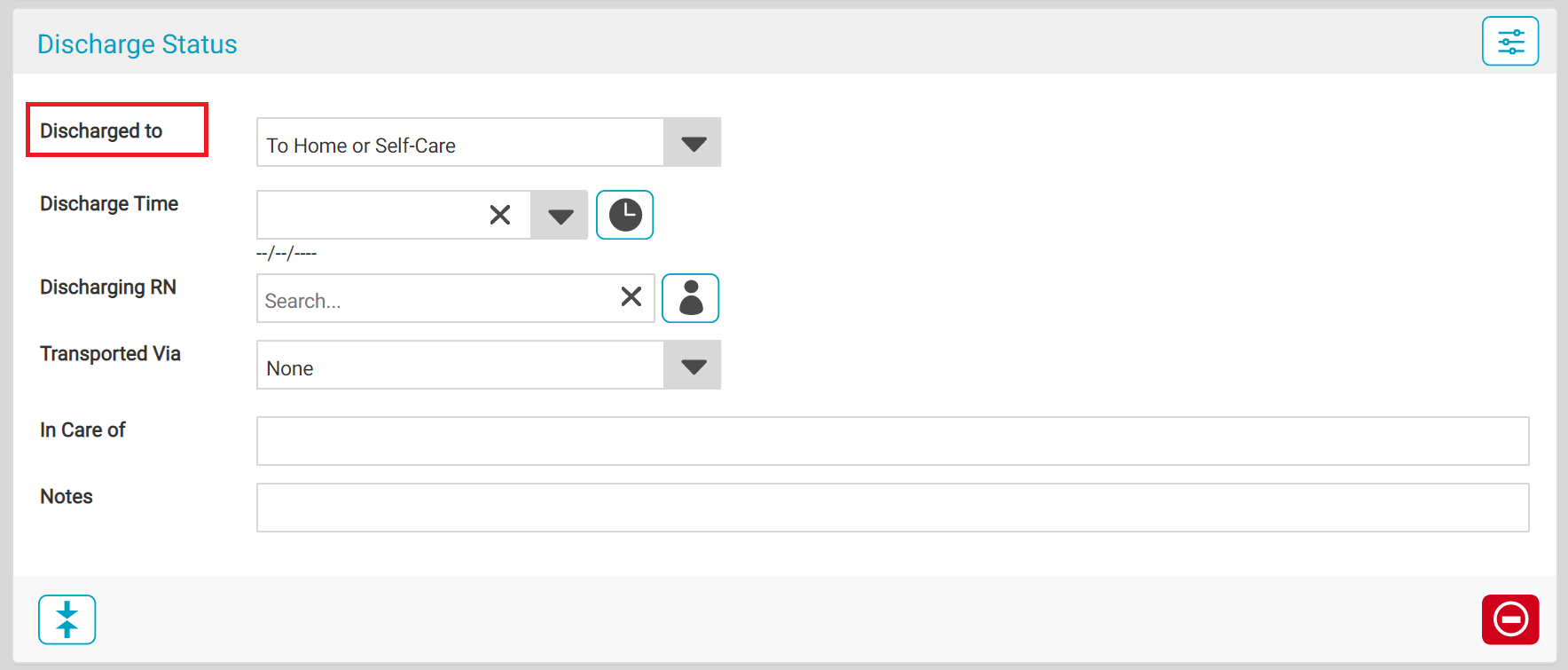
- If the Discharge Status BLOC 058 is not already present it the workflow, add it as well.
- Complete the Discharge Status BLOC.
- If the patient is transferred to a hospital setting, select the "Discharged to" option which reflects that as that information pulls into HST Practice Management for the claim form.